




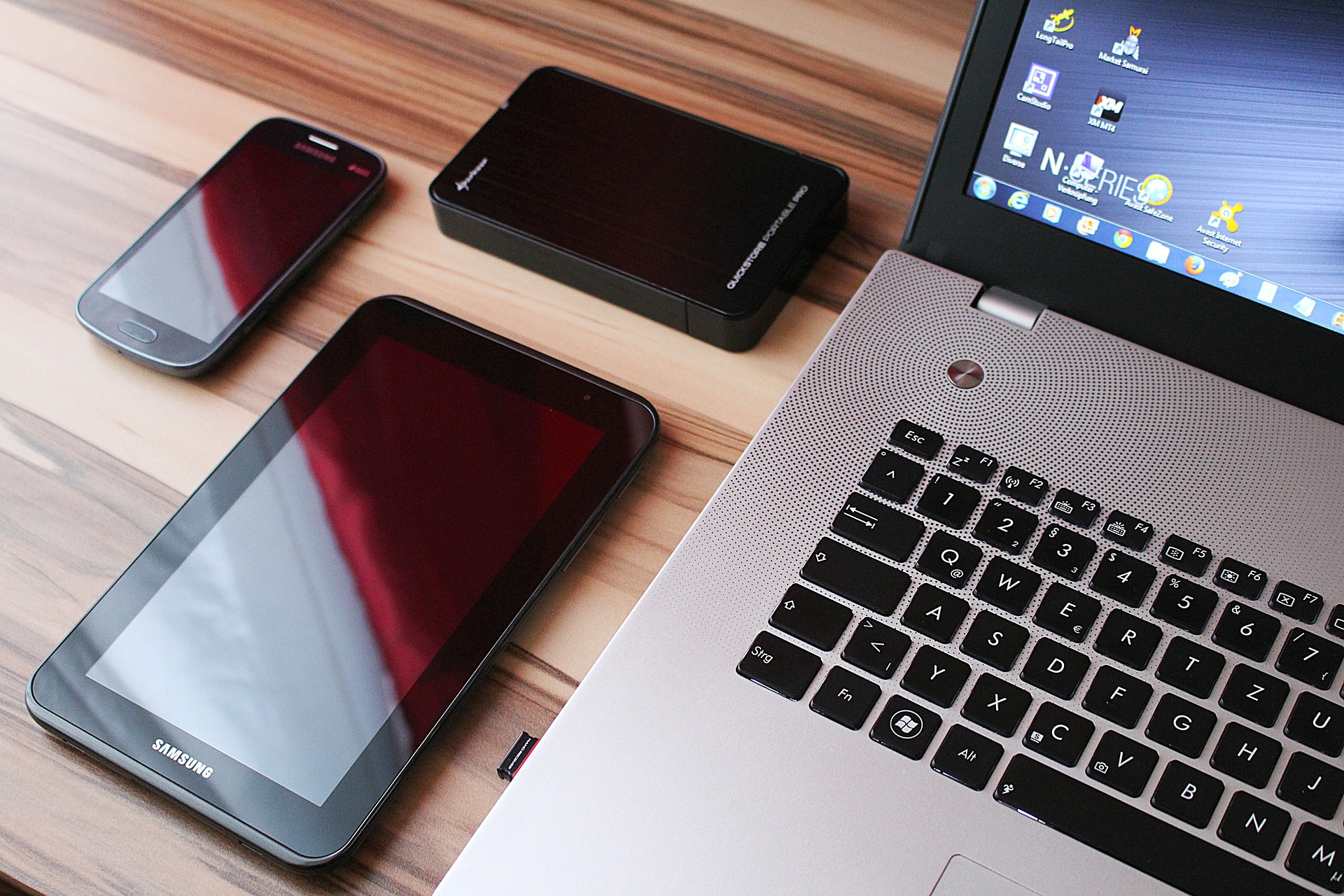
SSD provides faster speed for data writing, reading and data transfer compared to tradition HHD hence providing a safer way to protect your files and offer better performance. SSD has tremendously gained popularity, thanks to its advantages. And many users have decided to upgrade their old HDD to SSD.
You can easily perform this task by using a professional HDD to SSD cloning tool. In this case, EaseUS Patition Master is a cloning tool that will enable you to clone your old HDD to SSD in Windows 7/8/10 without any startup complications.
EaseUS Patition Master is one of the disk partition and cloning tools that will directly clone your old disk to SSD without conversion without experiencing startup complications. You can use this program to achieve entire or selective data backup, disk partition back up, cloud backup and the whole system back up.
Why do you need to clone your hard drive?
Upgrading your old hard drive
After a long time of use, hard drive’s firmware usually begins being outdated, and the drive itself will begin to wear out. Replacing your hold disk will minimize the chances of disk failures and maintaining your PC at the best performance.
Expanding your small disk
When you’re running out of disk space, cloning your files to a bigger hard drive can help you to use the extra disk space without losing your data.
Provide a backup
Corruption of files and data loss can happen any time to your computer. To ensure that you have secured your files, backing up in a hard drive periodically is essential.
Improved performance
SSD offers outstanding merits such as low consumption, quick read-write speed, etc. So if you upgrade your hard drive to SSD will improve computing performance.
Clone HDD to SDD without Reinstalling Operating System in windows 7/8/10
You can opt either to install SSD on your second drive bay or connect it to your computer using USB-to-SATA adapter. As long as you have the needed space in SSD to hold all the files on the source disk, ensure that you follow below steps to clone your HDD to SSD.
- Connect your old HDD and SSD to your computer. Launch your EaseUS cloning application and click on the Clone option.
- A pop-up menu will be displayed, ensure that you choose the source disk partition you need to clone and then select Next to continue.
- Choose the destination partition in the SSD. Click sector by sector clone option in the advanced options menu. With it, you can clone any or all sectors from the source partition to the destination partition.
- You can preview your disk layout, and the click proceed to clone your old HDD to SSD.
After disk cloning, various users usually complain that their SSD is not booting. Below are some reasons why and how you can fix the problems.
Incorrect boot order. If your SSD is not the first boot order, you may fail to load your computer from it. To see if your boot order is correct, you need to restart your PC and ensure that you press the prompted key to enter the BIOS.
You need to set your SSD as a priority in your boot order then press key F10 to save the changes you have made. At last, your computer will boot from the SSD if the issue was related to the boot order.
You may probably have installed your cloned SSD on your PC using incorrect hardware. If your system image or disk image, you can opt to restore the image to your SSD.
The disk cloning process encountered issues. This means that your cloning process experienced unexpected problems; so you can retry the process to see if you can fix the error.
Besides if you are cloning your HHD drive to SSD and install, then install the SSD to new PC, you need to activate your Windows OS, use the original product key or consult the Microsoft for assistance when activating it.